Wall-Mounted Spatial Displays
Review the Heel Transition on a Spatial Display Screen Before Sampling
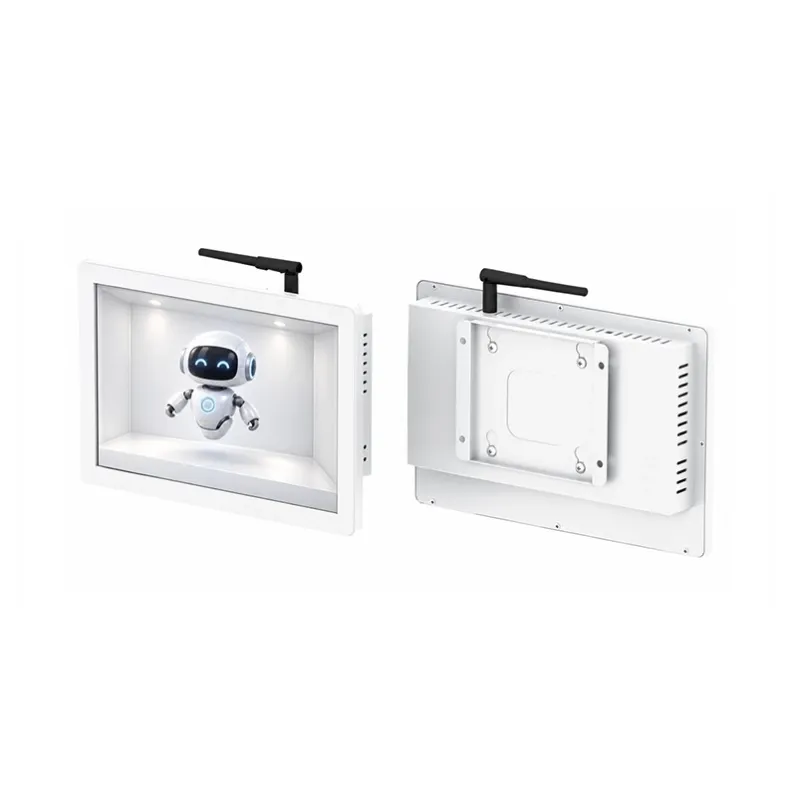
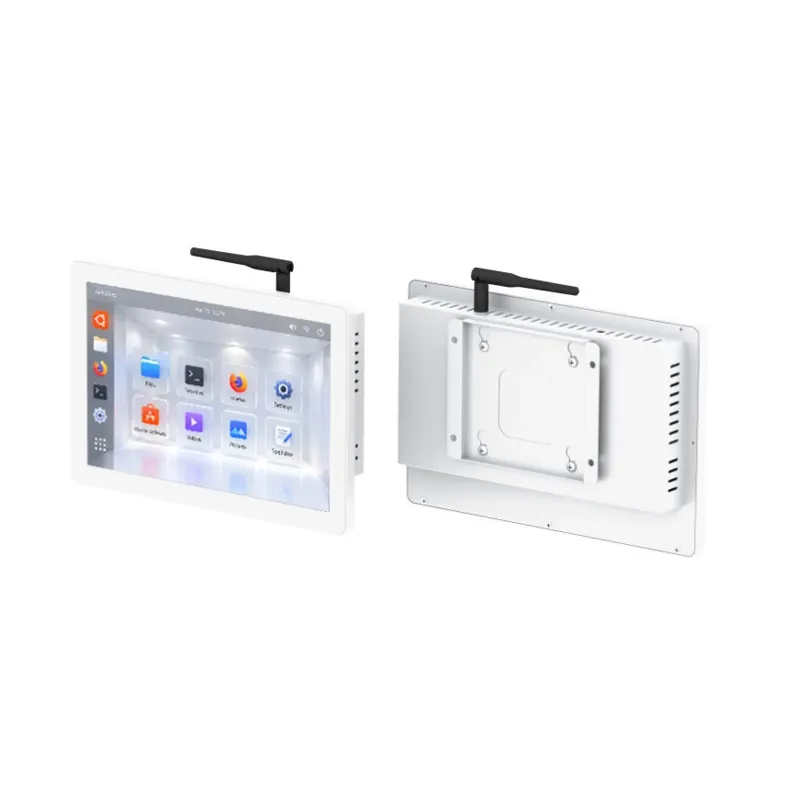
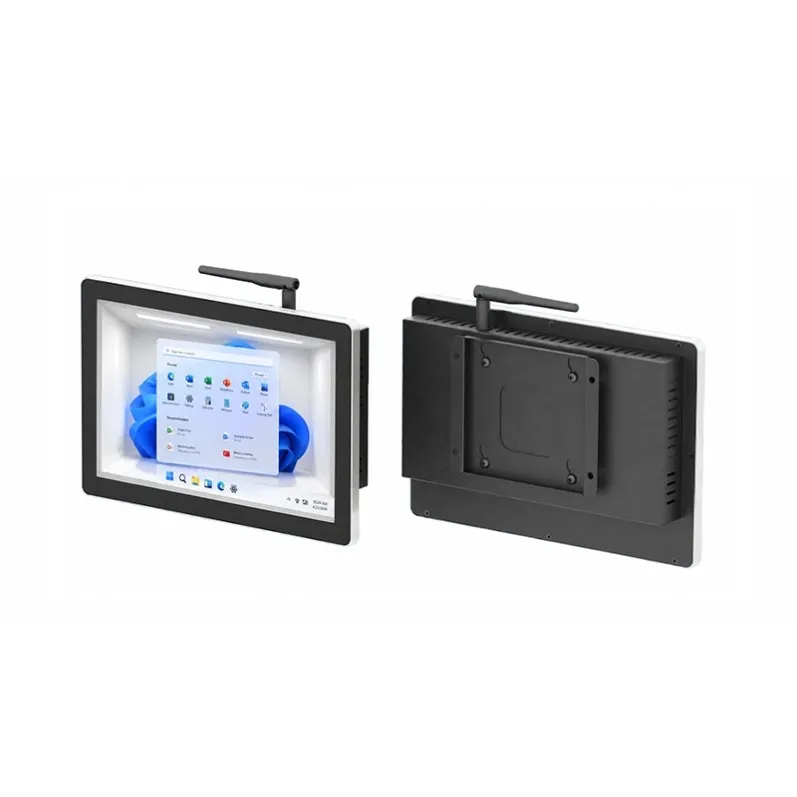
The 10.1-inch Windows Spatial Display Screen brings glasses-free 3D visualization to footwear design and sample rooms. Designers can examine shoe profiles, heel shapes, and upper-to-sole transitions from different angles. Its compact size makes it ideal for desk reviews, helping teams communicate design details, compare samples, and improve product development.
Specifications
- size
- 10.1 inch
- Operating System
- Windows
Review the Heel Transition on a Spatial Display Screen Before Sampling
The 10.1-inch Windows glasses-free 3D display is designed for footwear design desks and sample rooms. An angled view can keep the toe, side, and heel visible together, with depth that reviewers can see without wearing 3D glasses. Place the Spatial Display Screen beside the drawings and samples when the team needs to discuss how a line on the side of the shoe carries around the heel.
Where does the line end once it wraps around the shoe? A line on the upper can look clean in profile and change the apparent weight of the heel when viewed at an angle. Keep the full shoe in view while examining that turn. The designer can point out where the line starts to narrow, and the developer can confirm whether the comment concerns the upper, the heel outline, or the sole sidewall. On the Spatial Display Screen, “the heel looks heavy” can become a specific direction for the next sample: keep the sole thickness and raise the point where the upper line ends.
Once the detail has been revised, look at it in the context of the complete shoe. Does the new heel shape still balance the toe and midfoot? Does the line between the upper and sole read consistently from front to back? The 10.1-inch format suits a close desk review and leaves space for drawings and notes. When a trial sample is available, place it beside the Spatial Display Screen to discuss visible differences. Use the sample itself to check dimensions, material feel, and fit.
If you’re specifying a Spatial Display Screen for a footwear design or sample room, share the shoe profile and the transition your team needs to assess. We can discuss how the 10.1-inch display would present that detail at your review desk and provide pricing for the project.